Download the searchable pdf
- Download the Surfer file to your device using the button below
- Open the file in your chosen PDF viewer
- Use the search function (usually a magnifying glass icon) and search for the name(s)
- A highlight will appear on the name to show its location
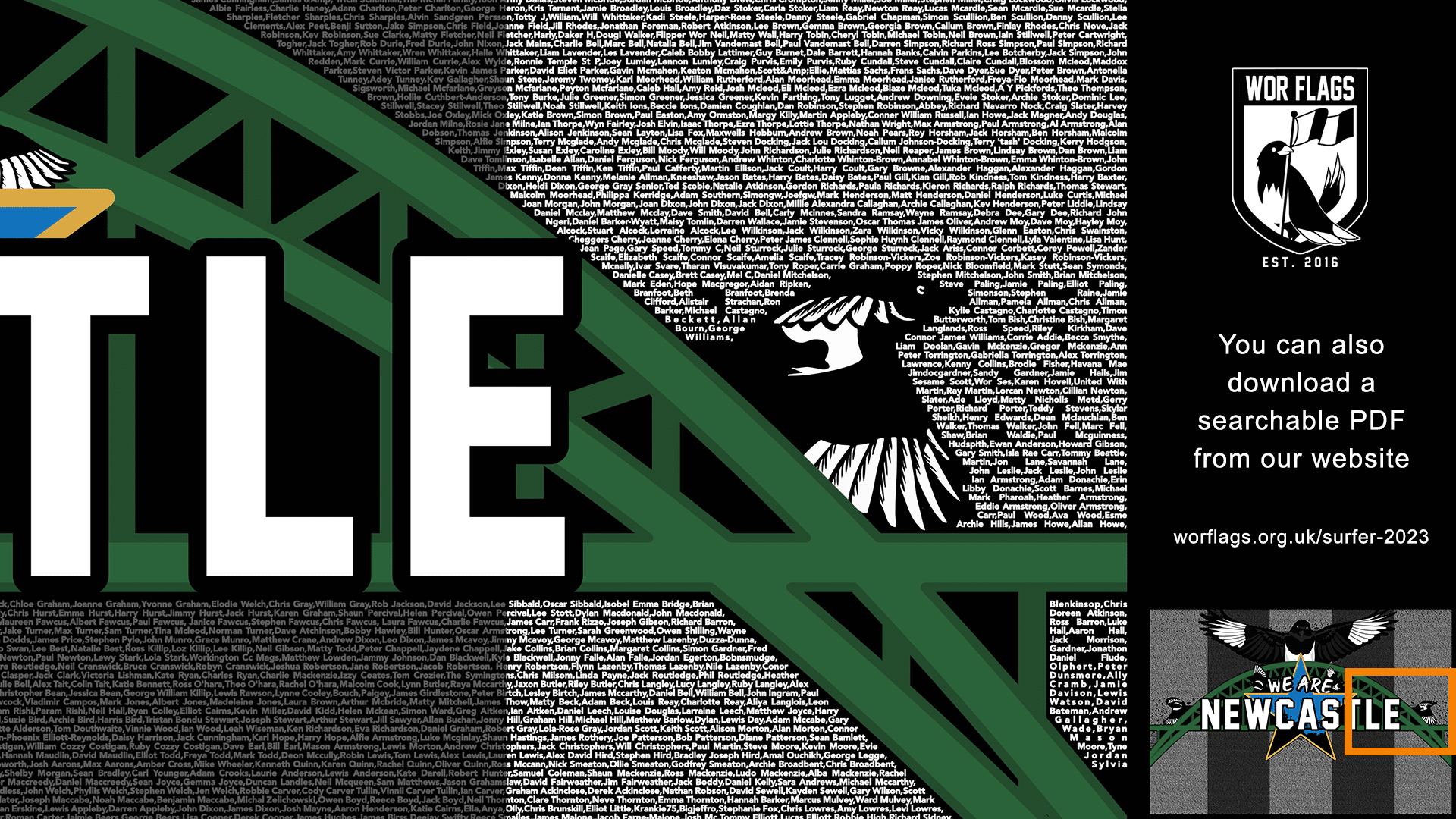
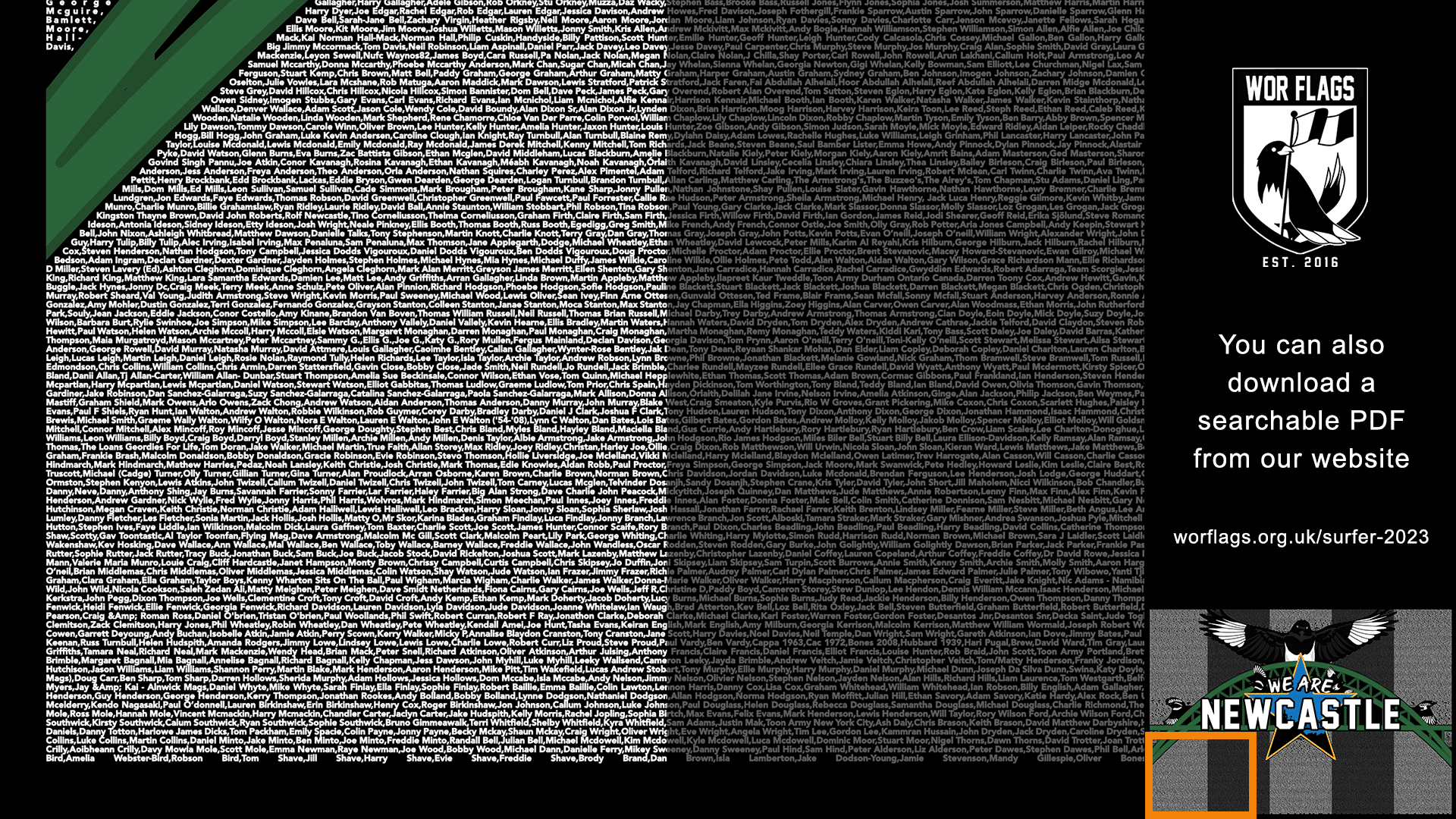
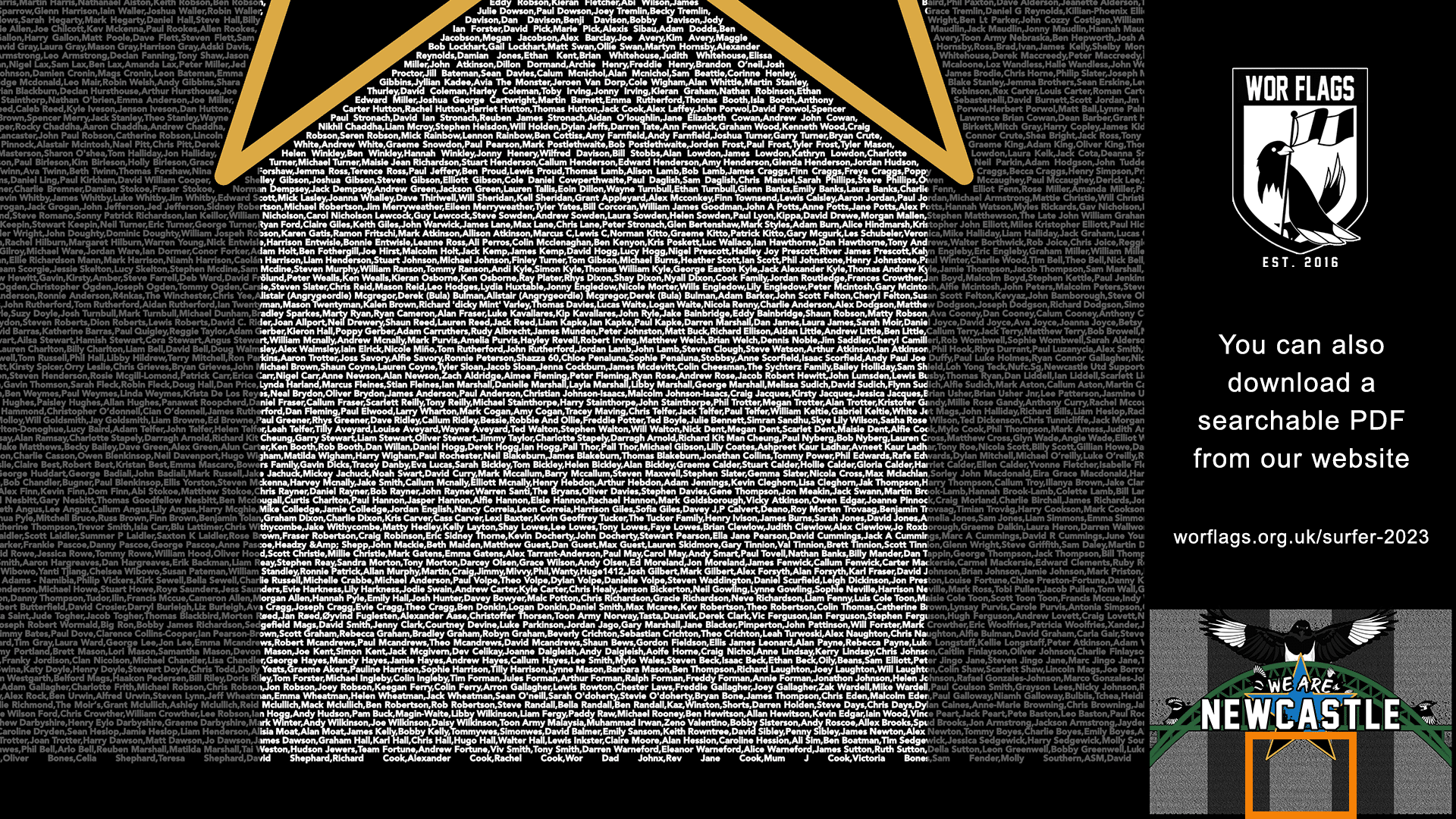
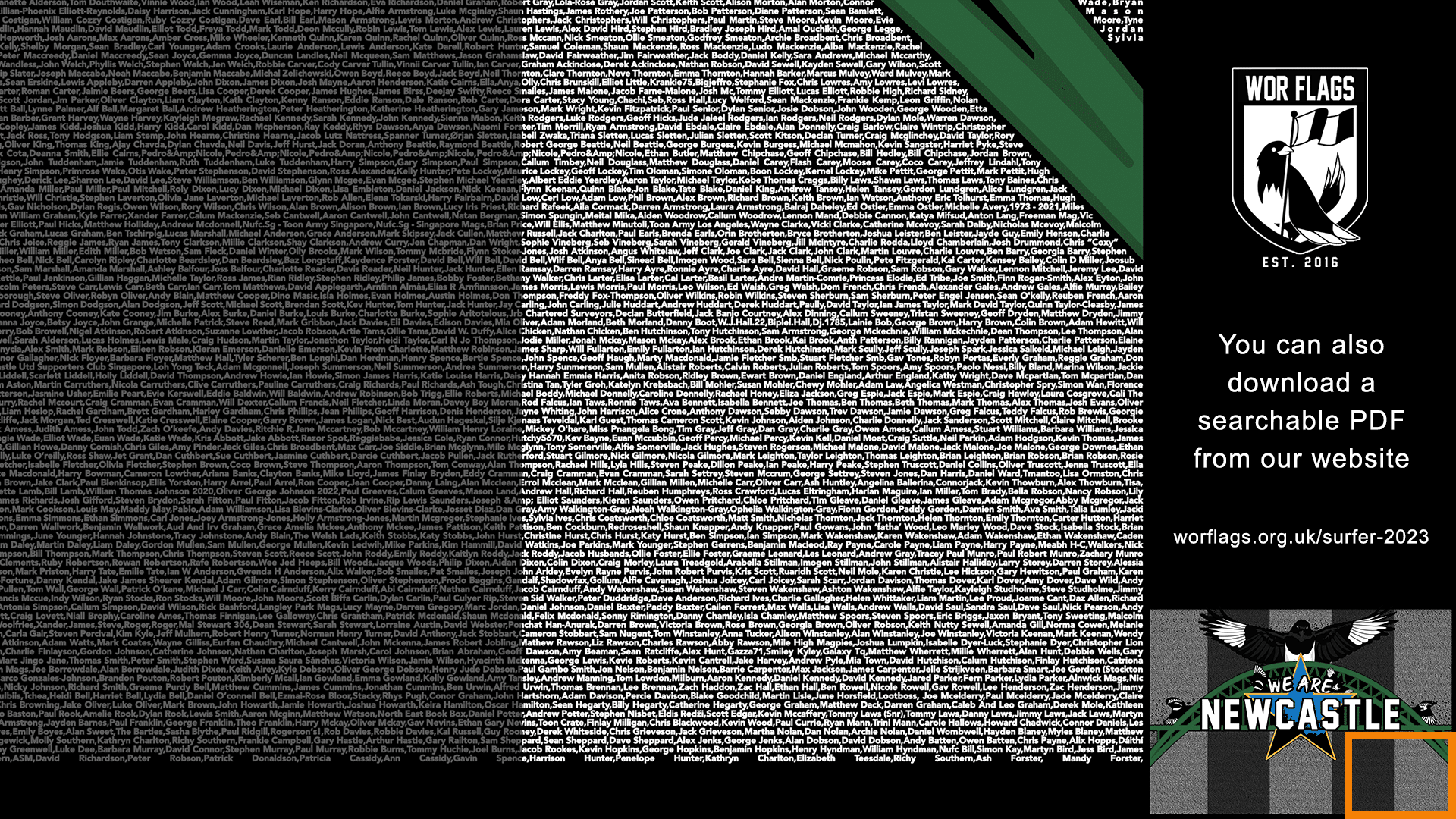
or view/download the static images
- Click on an image in the gallery to view
- Right-click on the image (or hold down on mobile) to download an image to your device
- Use the zoom function in your chosen image viewing app to search for the name(s)